
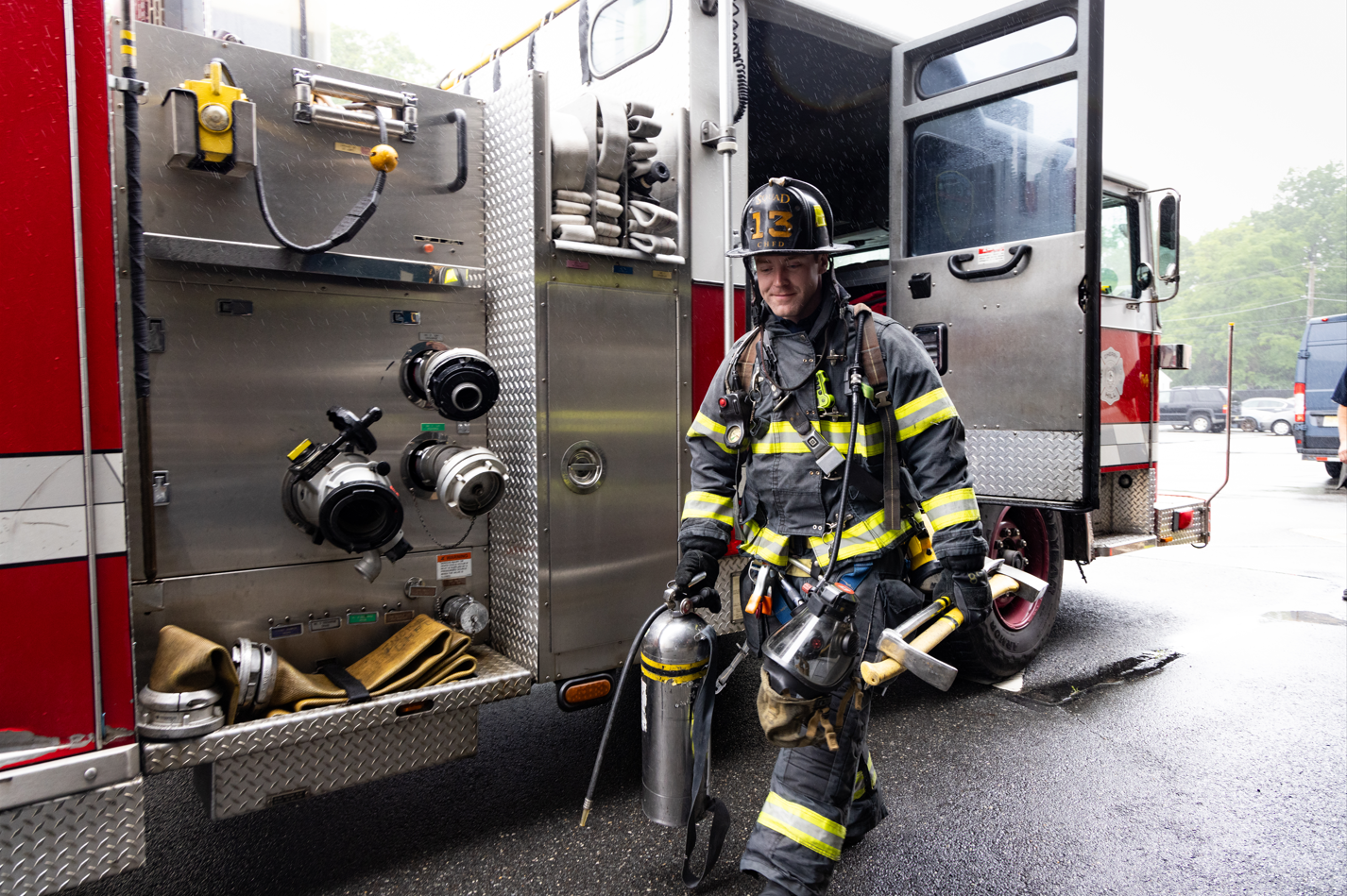


Mark43 for Fire
Clarity When Every Second Counts
Connect your response plans, live resource availability, and scene information in one CAD system, so dispatchers stay in control, crews arrive ready, and command stays informed.



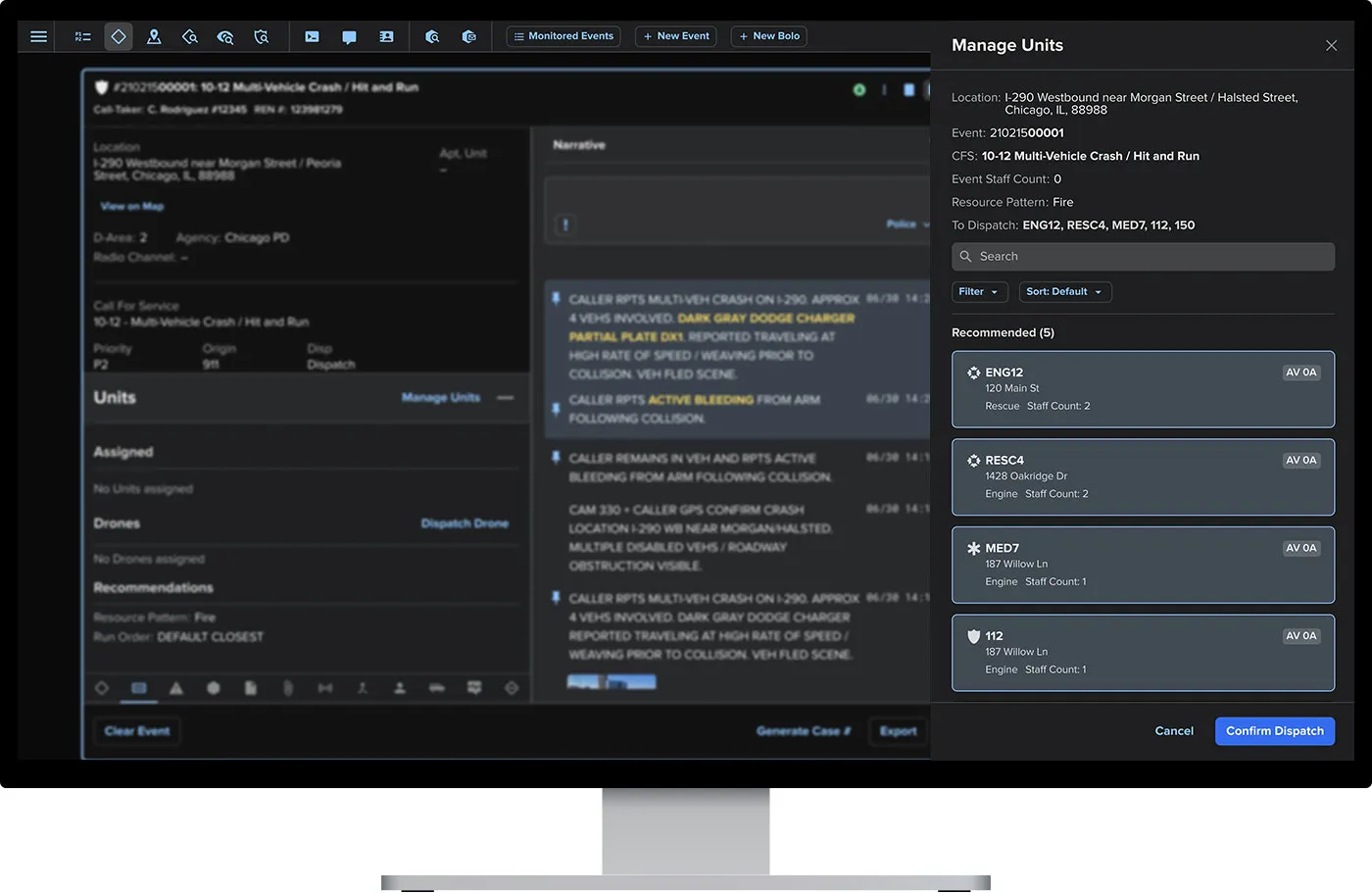
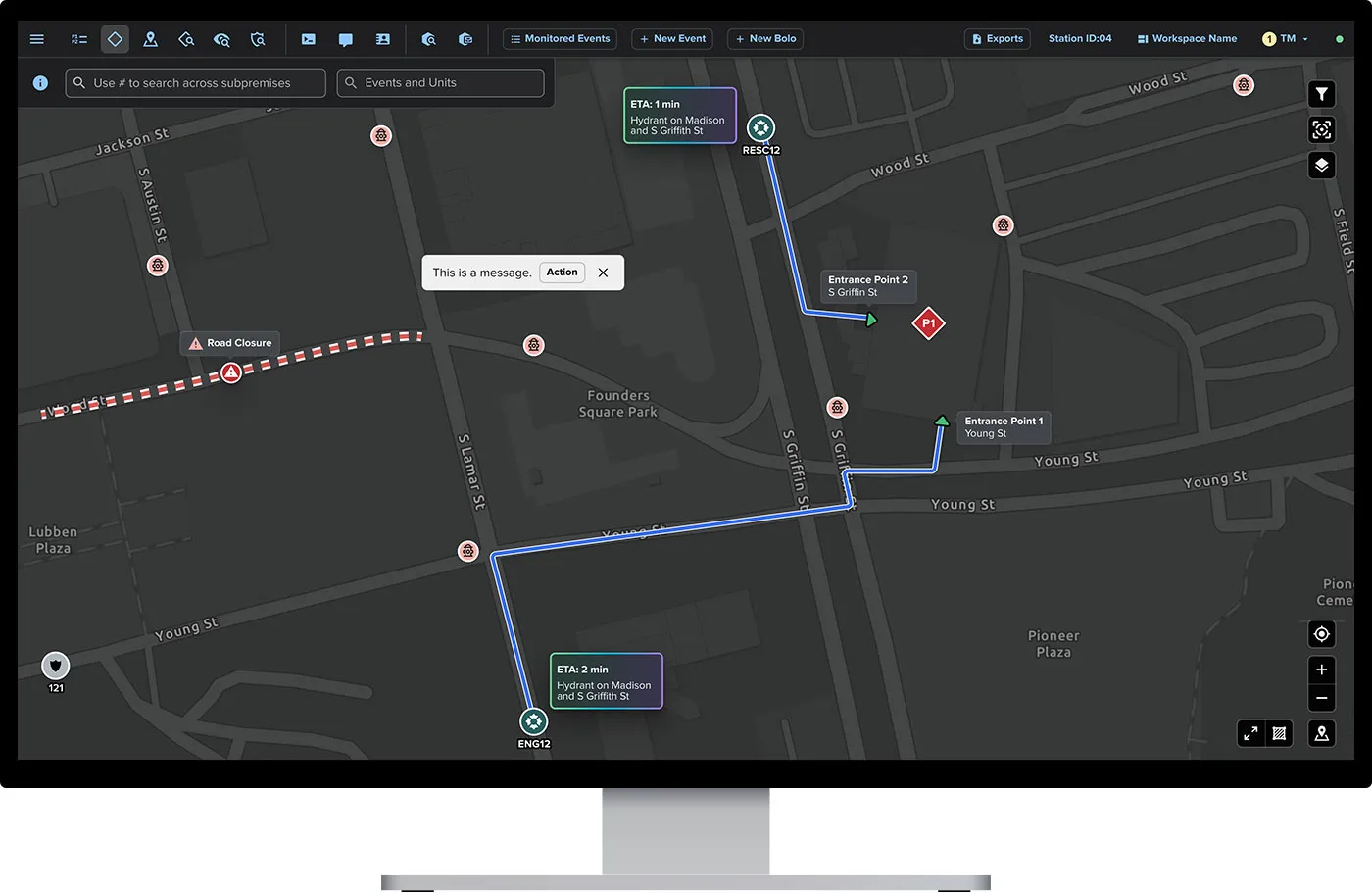
Turn your standard operating procedures into actionable run cards. Bring alarm levels, cross-staffing agreements, and aid arrangements into the response plan, with run order clear so crews know their place in the response.
Dispatch Automation
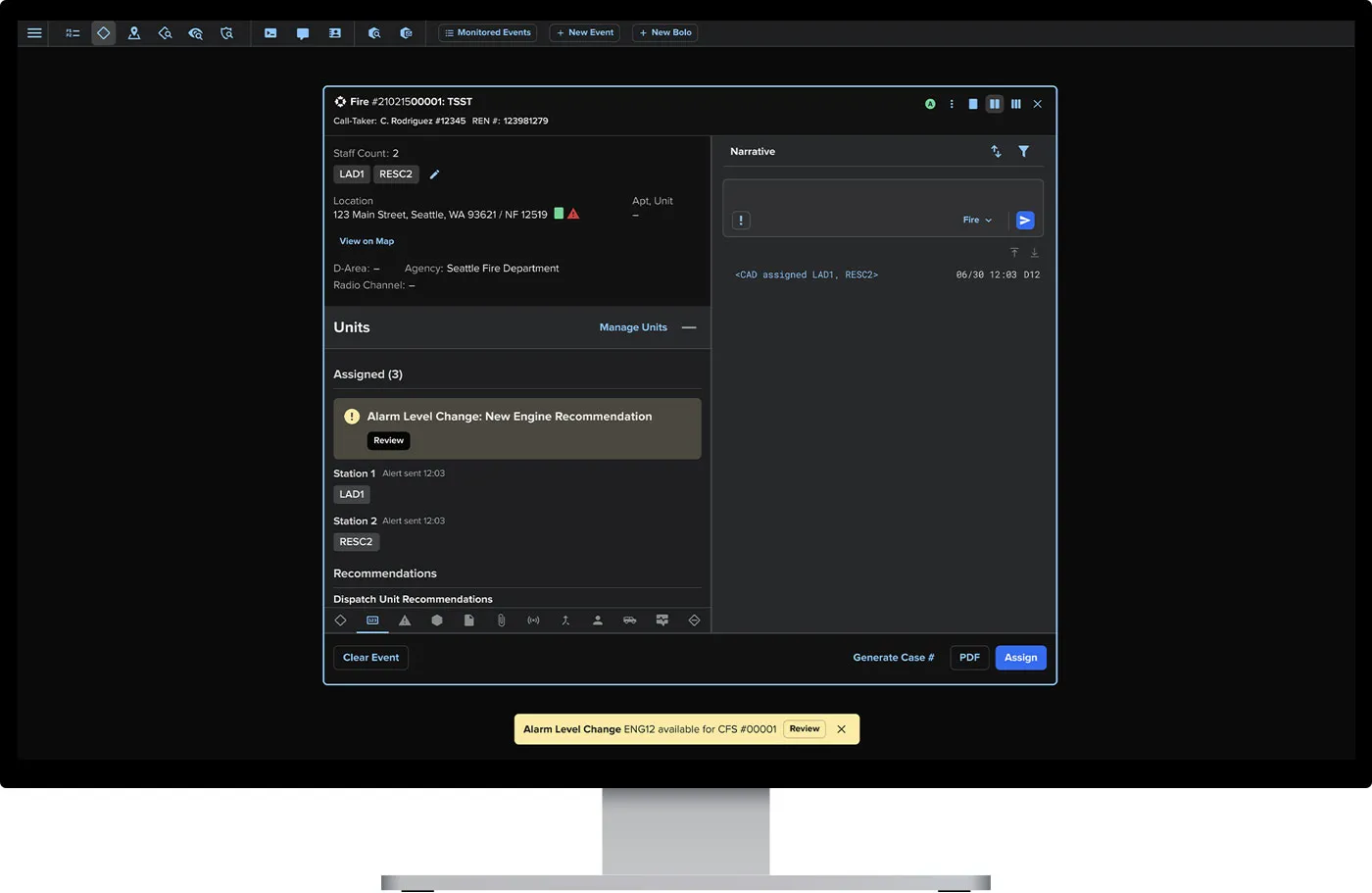
Get resources moving faster with fewer manual steps and less room for error. Automation puts your agency’s response plans into action, while dispatchers stay in control and can adjust the response as conditions change.
Real-Time Resource Availability
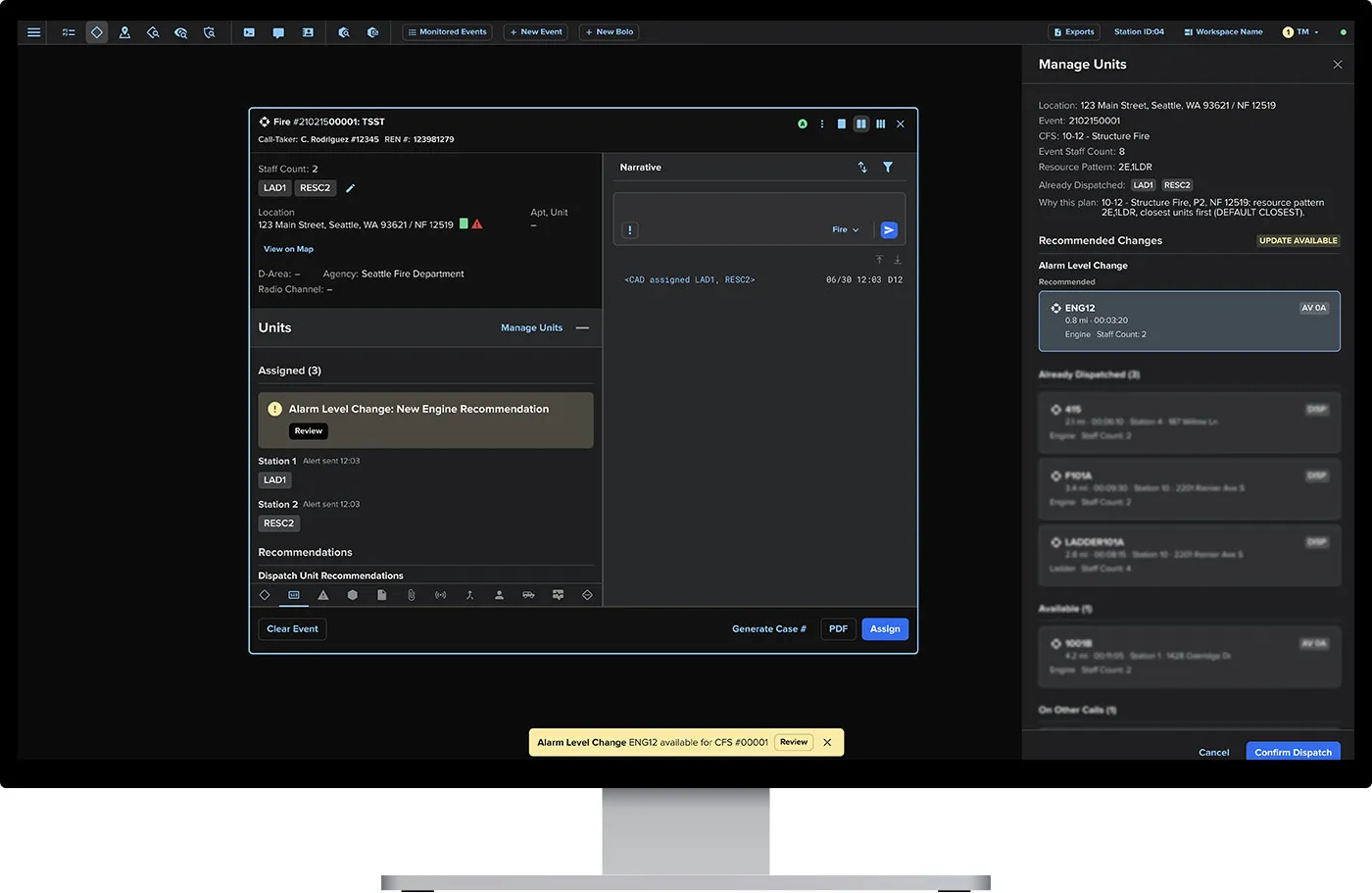
Staffing, unit availability, and drive time inform the response. When an apparatus is committed or a crew becomes available, recommendations reflect the change, helping dispatch send the appropriate resources without piecing together updates.
Pre-Arrival Information
Bring preplans, floorplans, hydrant locations, and hazard information into the map crews use to respond. Give them the context to plan their approach and prepare for what’s ahead.
Key Benefits

Dispatchers, command staff, and responding crews share live incident details, unit status, and mapped hazards. Fire, law enforcement, and EMS stay aligned as conditions change.

Connect CAD with the tools your agency relies on, including ProQA and preplan software. Bring critical information into the response workflow so teams spend less time switching systems.

Use Mark43 Insights to review turnout and response times, identify historical trends, and inform staffing and operational decisions.

When a storm or evacuation forces your team to relocate, keep dispatching from any location with internet access. Connect through broadband, cellular, or a WiFi hotspot, whether you’re at a designated backup site or wherever your team can safely operate during a crisis.
Connected Platform
Keep information moving with your team, from the communications center to the apparatus and onto the scene. Use the resulting incident data to understand performance and improve future response.
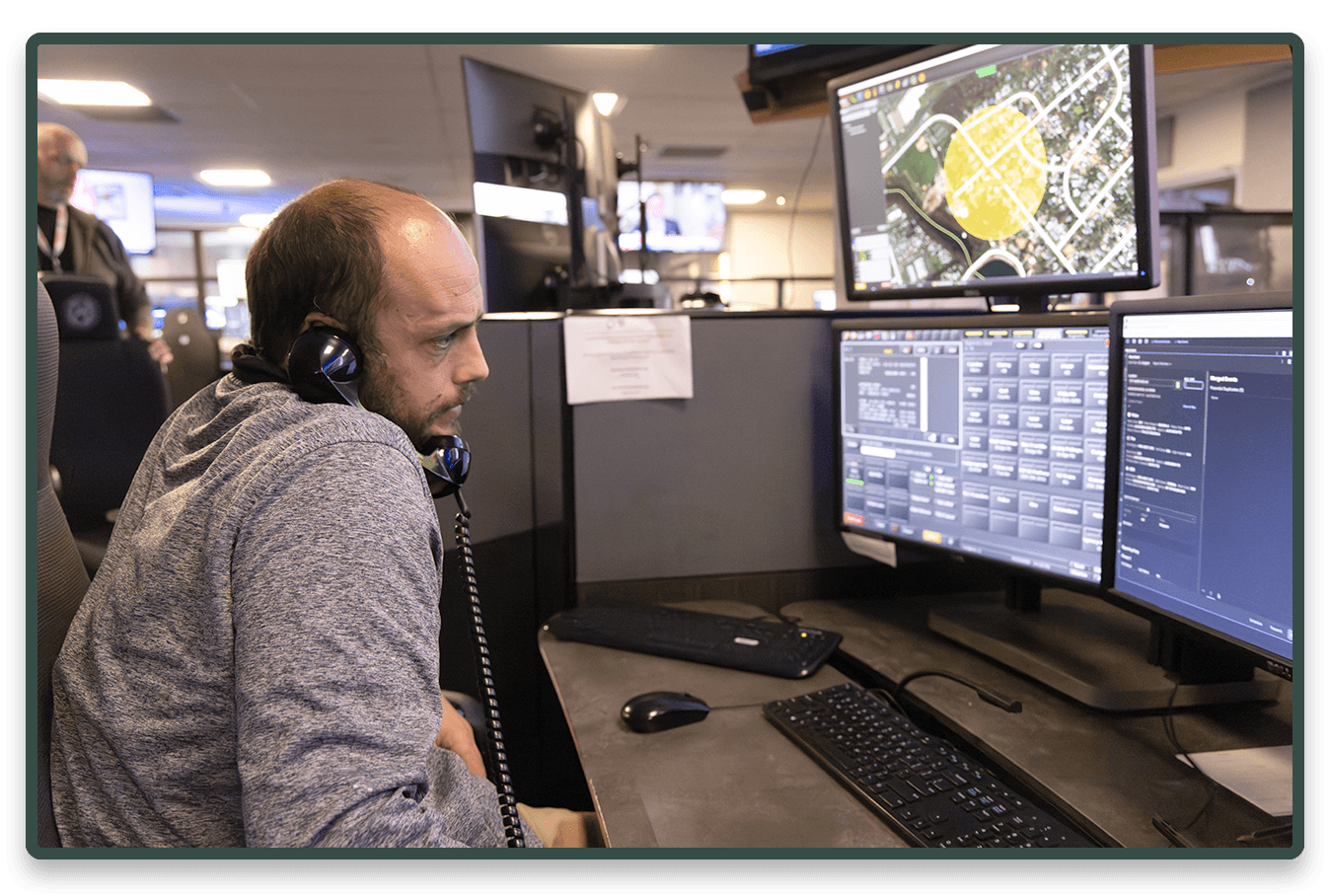
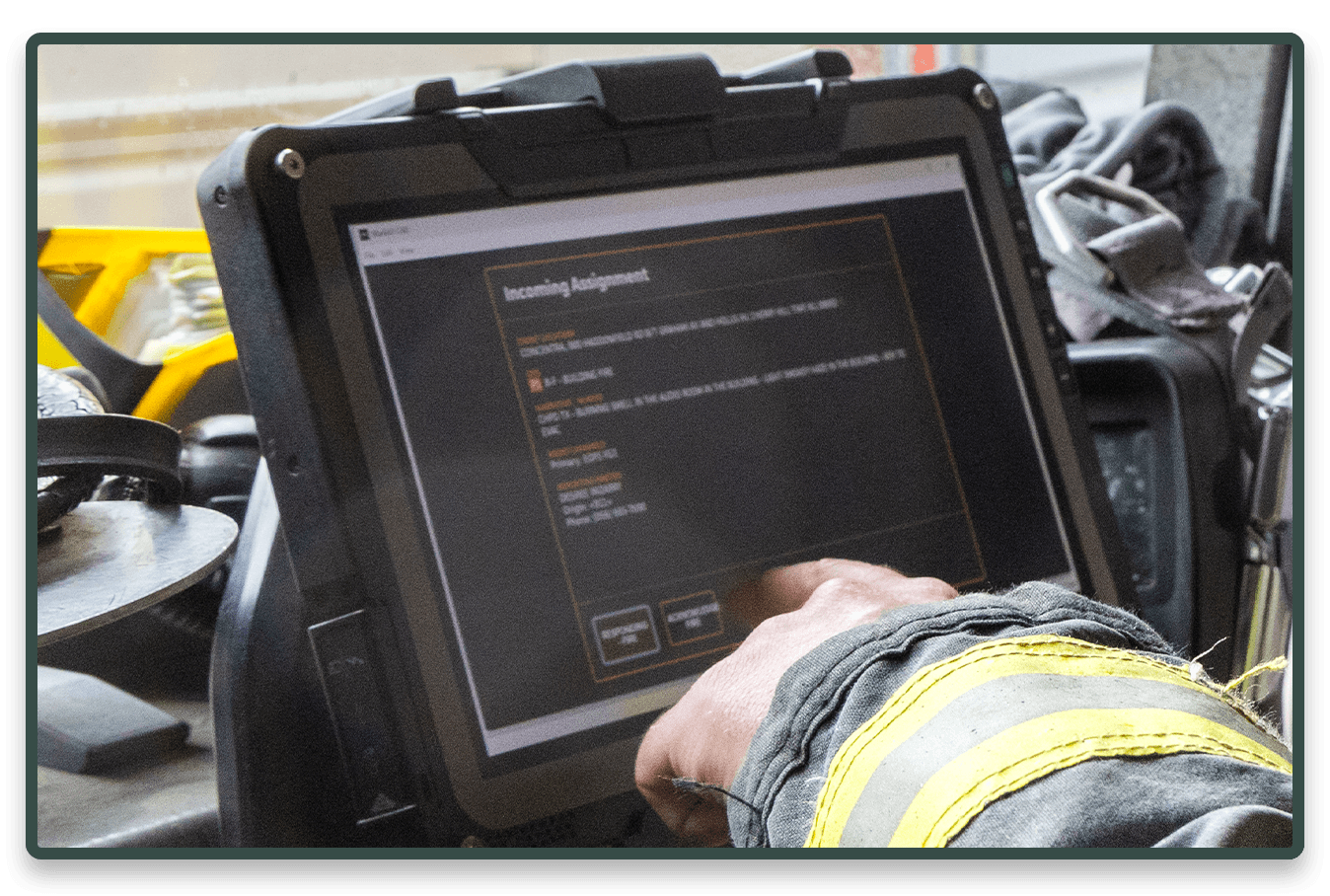
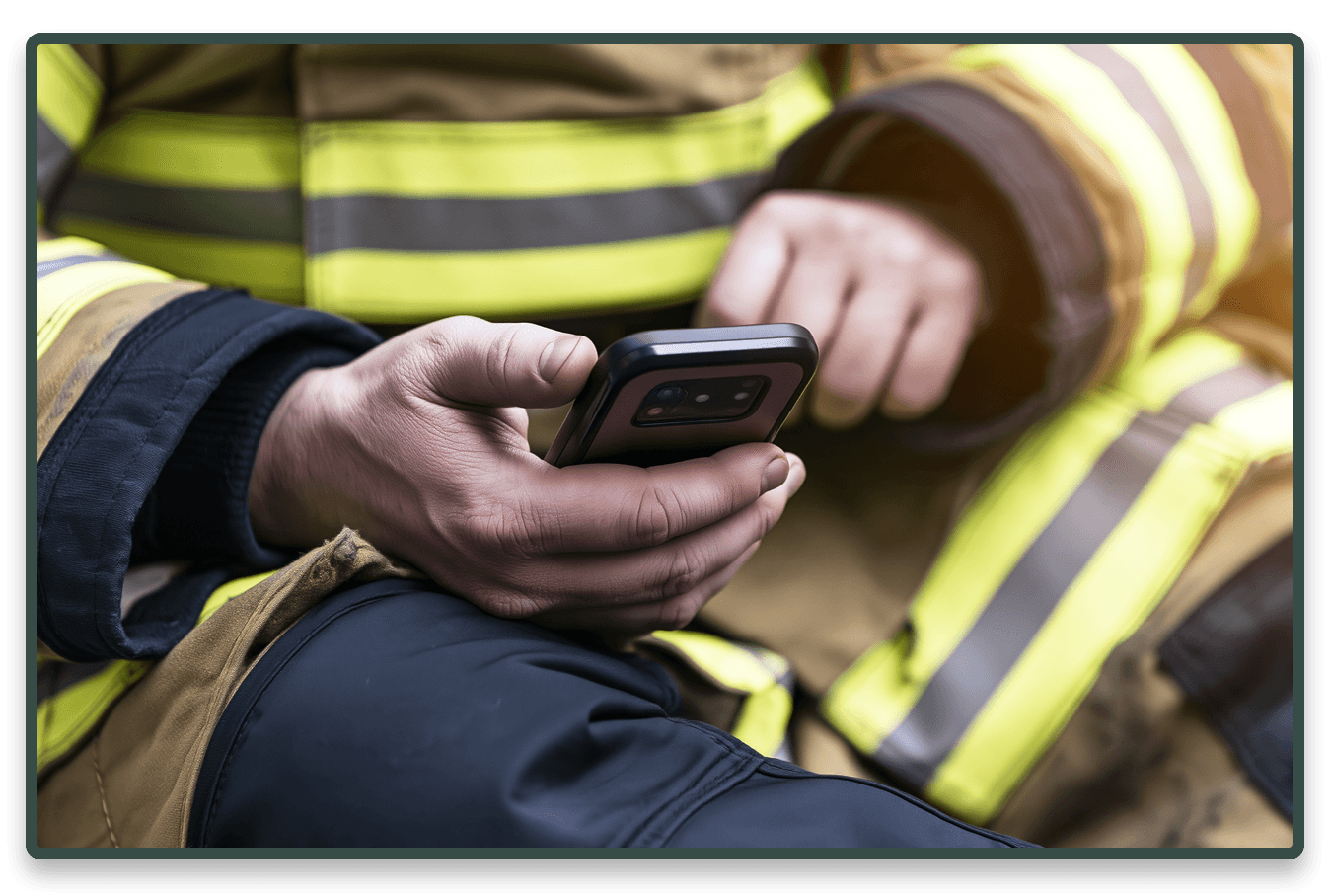
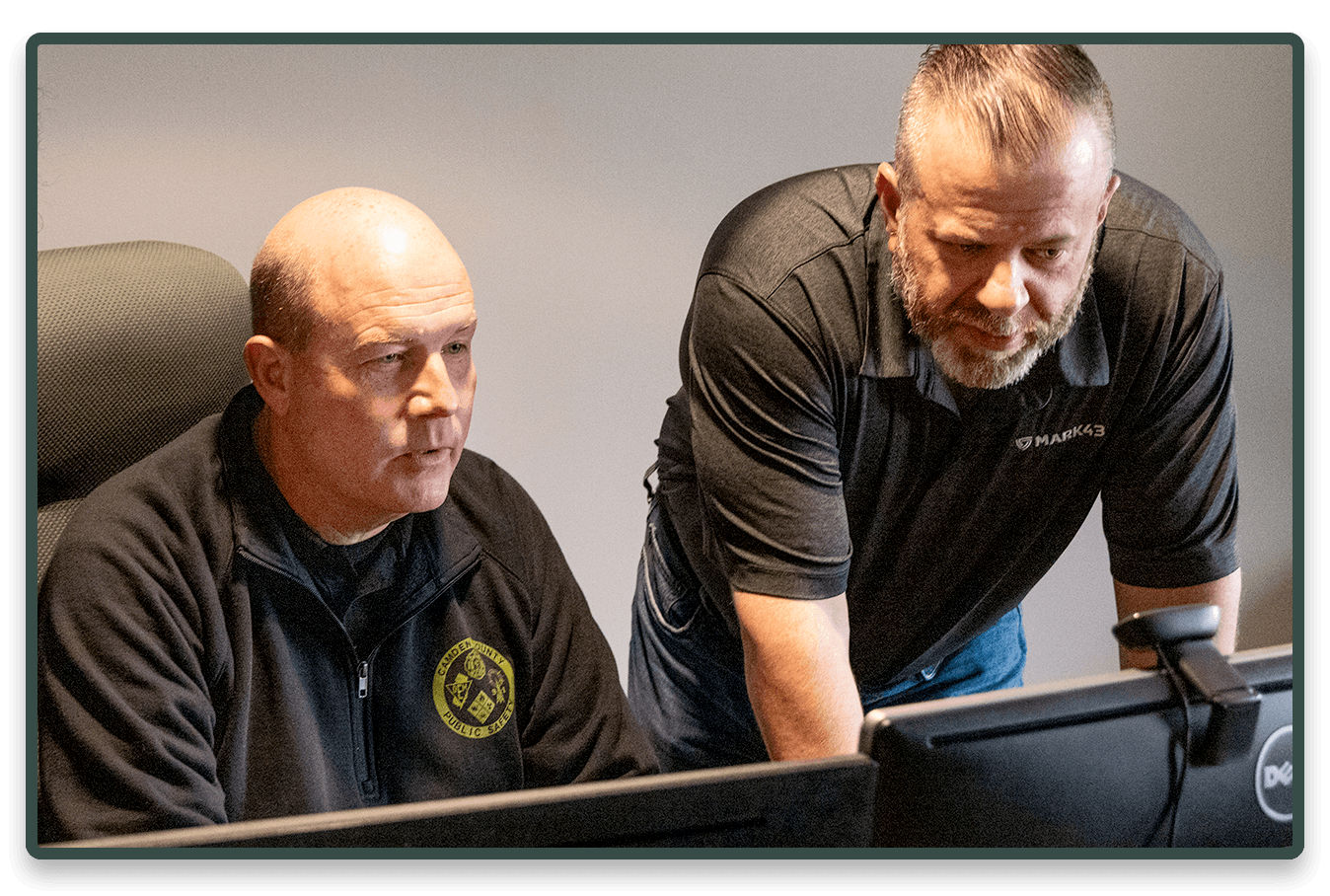

Rio Rancho responds to more than 15,500 calls a year. Its legacy CAD kept preplans and hydrant data outside the system. With Mark43, command access to active calls dropped from minutes to seconds.
Mark43 is the trusted leader in public safety technology, providing a secure, all-in-one platform for agencies to save time, stay compliant, and ensure community safety.