


Law enforcement agencies rely on technology for dispatch, reporting, records management, and compliance. Yet the IT teams responsible for supporting these systems are often small and stretched thin.
In many agencies, that team is only a handful of technicians supporting hundreds of users, devices, and applications. Some operate without dedicated security staff altogether. These teams are responsible for managing mission-critical systems in highly regulated environments while also handling daily support requests.
When routine administrative work consumes most of their time, critical systems become harder to maintain, security risks are more likely to emerge, and strategic IT improvements are pushed aside.
Instead of strengthening the agency, IT is forced into a reactive role just to keep pace.
The Hidden Cost of Manual Work
Every hire, transfer, promotion, or departure requires changes across multiple systems. Accounts must be created or updated. Access must be granted or removed. Devices must be configured and secured.
When these steps are handled manually, each change requires technician time. A single personnel move can trigger updates across records systems, evidence platforms, communication tools, and identity systems. Multiply that by dozens or hundreds of changes per year, and the hours add up quickly.
This is not just a technical issue. It is a capacity, operational readiness, and resource allocation issue.
When IT staff spend hundreds of hours on repetitive administrative work, that is time not spent closing security gaps, improving system resilience, strengthening authentication controls, preparing audits, or advancing modernization initiatives.
For agencies with limited staffing and tight budgets, this creates a constant cycle of reactive support which can have a real operational impact.
Why Automation Matters to Agency Leadership
For command staff, the question is not whether automation improves efficiency in theory. The question is whether the agency has enough trained personnel to keep pace with expanding systems, evolving security requirements, and rising technology demands.
You may not have the budget to hire additional IT staff. You may not have a dedicated security team. Your existing personnel may already be operating at capacity.
Automation addresses this reality directly.
Instead of requiring a technician to manually update every system, automated workflows ensure that access changes happen consistently, immediately, and without dependency on manual follow up. Device configurations follow predefined security standards without repeated hands-on setup. Processes become structured, repeatable, and predictable.
The result is measurable time savings. A small IT team can support more users, more systems, and greater complexity without proportional increases in staffing.
Security improves as a result, but the immediate leadership benefit is greater control over limited resources and how personnel time is allocated.
User Lifecycle Automation and Security
Every hire, transfer, promotion, or departure introduces risk if access is not updated correctly. When these changes are handled manually, permissions can linger or become misaligned with someone’s role.
Automating the user lifecycle ensures that access is always tied to current responsibilities and updated in real time.
New users receive appropriate access on day one.
Role changes are reflected automatically across connected systems.
Departing users lose access immediately.
This consistency supports least privilege principles and gives leadership confidence that access controls are enforced in a timely, auditable, and predictable manner.
Connecting Identity, Devices, and Workflow
Modern automation tools make this coordination possible.
Technologies such as SCIM allow identity systems to automatically provision and remove access across applications. Zero touch device provisioning ensures laptops and mobile devices are secured and policy compliant before they are ever put into service.
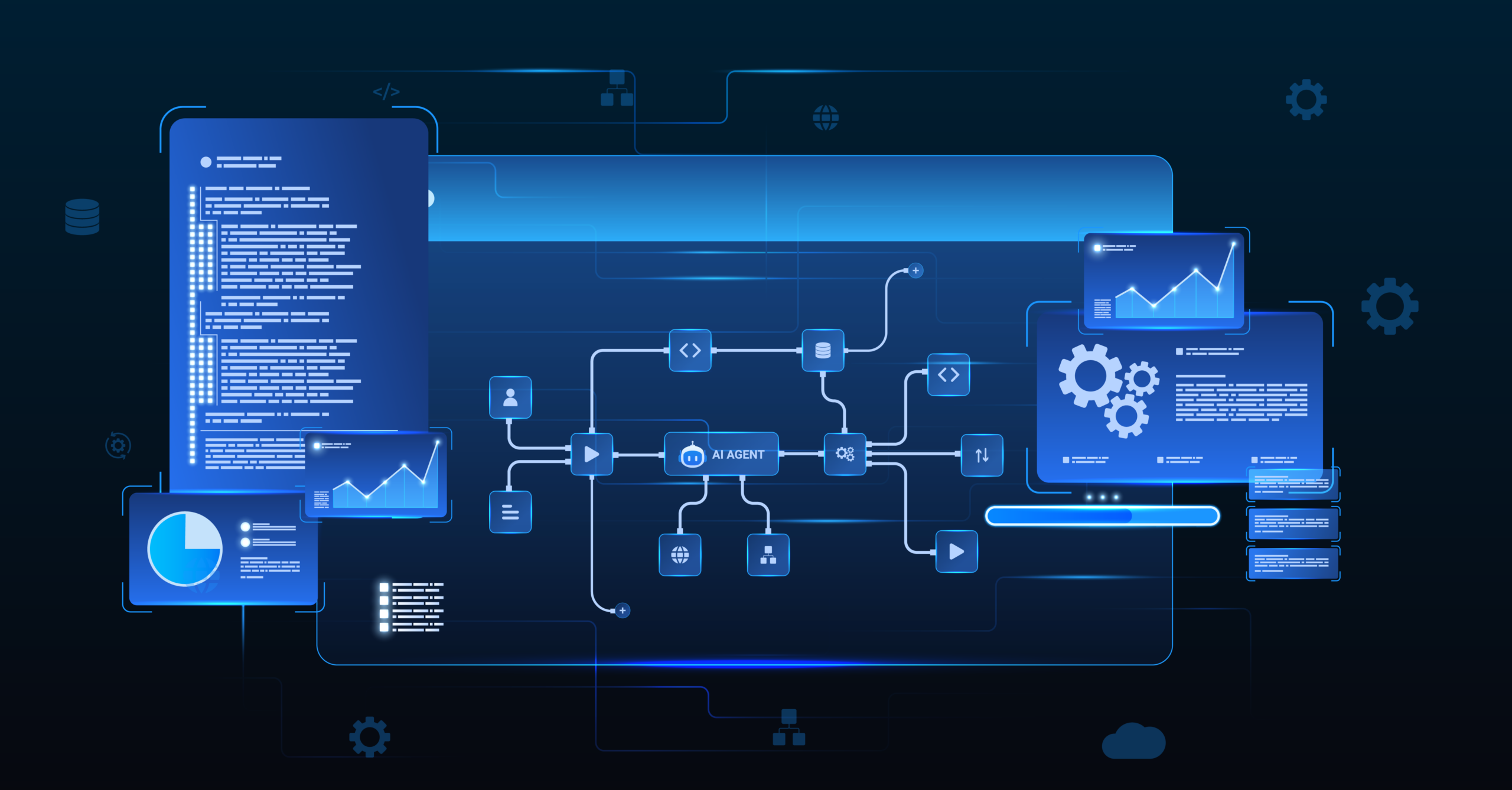
Workflow platforms connect HR systems, identity providers, device management tools, and support platforms so that a single personnel change triggers coordinated updates everywhere.
Instead of technicians touching every system individually, the process is designed once and executed automatically at scale.
This reduces turnaround times, improves consistency, and enhances the experience for officers and staff who depend on reliable access to perform their duties without delay.
From Reactive Support to Strategic Enablement
When repetitive tasks are automated, IT teams shift from constant firefighting to proactive planning.
Instead of focusing on tickets and manual updates, they can concentrate on improving resilience, strengthening authentication policies, reviewing system configurations, and partnering with leadership on long-term technology strategy.
This shift changes the role of IT within the agency. It moves the team from reactive support to strategic enablement that directly supports operational outcomes.
Automation Is an Investment in Operational Readiness
For law enforcement agencies facing increasing technology demands and limited staffing, automation is not optional. It is a practical way to reduce wasted effort, control operational risk, and scale support without expanding headcount.
By automating user lifecycle management and device provisioning, agencies enable their IT teams to operate more efficiently and consistently. Access becomes structured. Processes become predictable. Risk is reduced. Time is returned to the team.
The result is better use of personnel, stronger governance, and technology systems that more reliably support public safety operations.
Mark43’s SCIM functionality is built to support this shift. By integrating with your identity provider, Mark43 automatically provisions and updates user access based on role changes without manual intervention.
For example, if an officer is promoted to sergeant, that update in your identity system automatically adjusts the user’s permissions in Mark43 to reflect supervisory responsibilities. When someone leaves the agency, access is revoked immediately. No manual tickets. No delayed updates.
Instead of relying on follow ups and individual intervention, your agency can implement a consistent, automated approach to access control that reduces administrative burden while strengthening compliance and accountability.
If your IT team is spending valuable hours managing access manually, it may be time to move from reactive support to structured automation.
Learn how Mark43 can help your agency streamline user lifecycle management, improve operational efficiency, and operate with greater control and confidence. Let’s talk.